
Docker vs. Kubernetes: Which Should You Learn First in 2026?
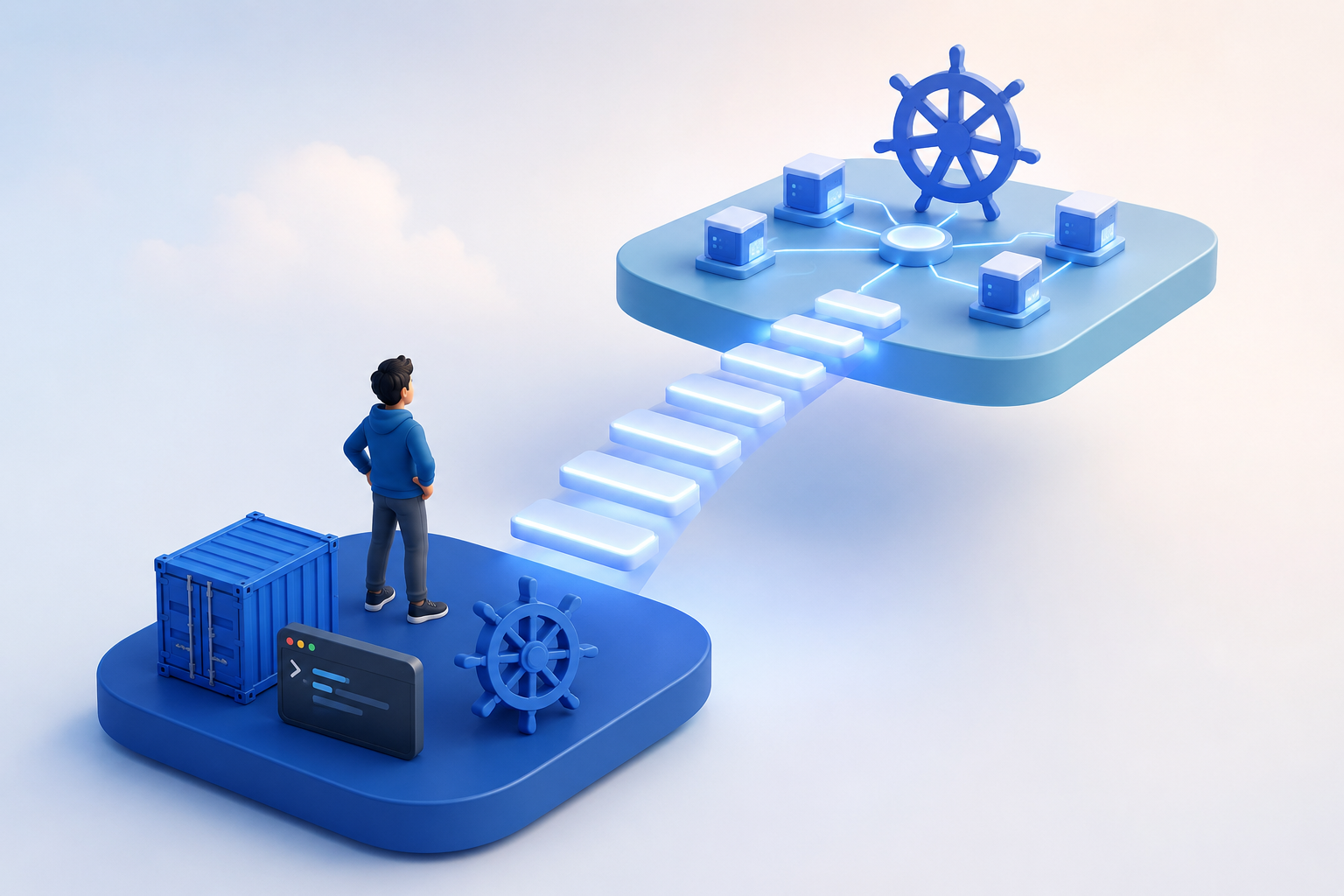
Every other DevOps job posting lists "Docker, Kubernetes" like it is a single skill, and most developers see them paired together so often that they assume learning one automatically means learning the other.
They are actually two different tools solving two different problems, and the order you learn them in matters more than most people realize.
According to the CNCF 2024 Annual Survey, 93% of organizations are either using or evaluating Kubernetes in production and container adoption has crossed 90% among mid-to-large engineering teams, yet employers still list Docker as a separate requirement because they expect proficiency in both.
This post breaks down what Docker and Kubernetes actually do, why the learning sequence matters, how the 2026 job market values each skill, and common mistakes developers make when learning both.
Teams looking for a structured path through all of this instead of stitching together random tutorials can start with ProgNXT's DevOps and container training, which is built to take engineers from zero to production-ready in the right order.
What Does Docker Actually Do and Why Does It Exist?
Before 2013, shipping software to a server was a gamble. Your app worked perfectly on your laptop, then broke the moment it hit staging because the server had a different Python version, a missing library, or a config file that someone edited three months ago and forgot about.
Teams either spun up entire virtual machines (heavy, slow, expensive) or maintained brittle setup scripts that drifted over time.
Docker changed that. Solomon Hykes launched it in 2013 at a company called dotCloud (later renamed Docker Inc.), and the core idea was simple: package your application together with everything it needs to run, OS dependencies, libraries, config files, all of it, into a single portable container that behaves the same everywhere. A developer's laptop, a CI pipeline, a production server, it runs identically on all of them.
What Docker Does in Practice
Think of Docker as three jobs in one:
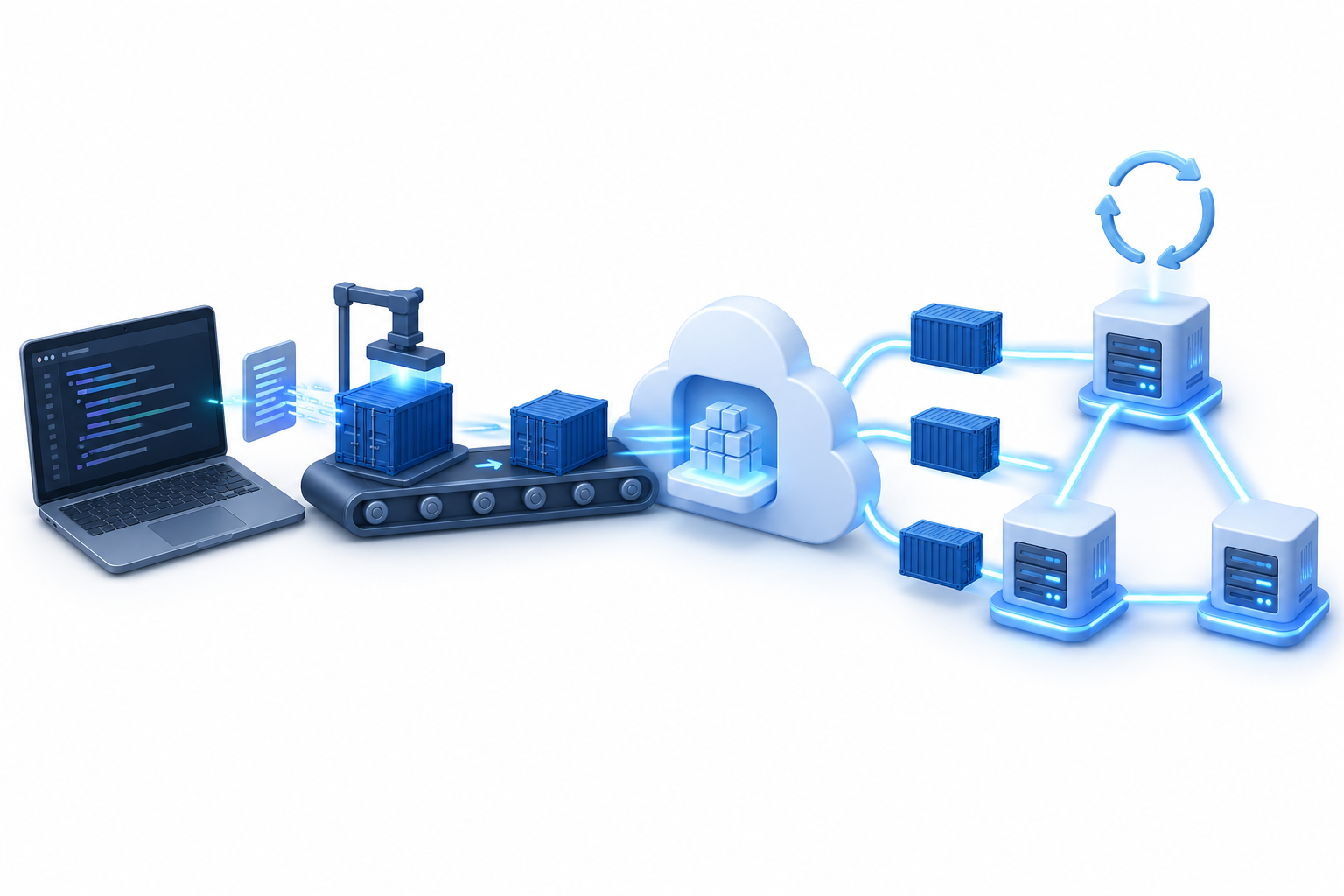
Build: You write a Dockerfile (basically a recipe for your app's environment) and Docker builds a container image from it, reproducible every time
Run: You spin up containers locally for development and testing, which means no more "let me install twelve things before I can run this project"
Share: You push that image to a registry like Docker Hub or AWS ECR, and anyone on your team pulls and runs the exact same environment in seconds
Docker handles the single-container world: start it, stop it, network it, mount storage to it. That is its entire scope, and it does it extremely well.
What Does Kubernetes Actually Do and When Do You Need It?
Google had this problem figured out internally for over a decade. Their system called Borg managed containers at a scale most companies will never touch, running everything from Search to Gmail across millions of machines.
In 2014 they took the core ideas behind Borg, rebuilt them as an open-source project called Kubernetes, and donated it to the Cloud Native Computing Foundation (CNCF).
Red Hat, Microsoft, and thousands of independent contributors have shaped it since then, and it became the industry standard for container orchestration faster than almost anyone expected.
What Kubernetes Does in Practice
Once you have containers (which you already understand from the Docker section), the next question becomes: what happens when you are running dozens or hundreds of them across multiple servers?
That is where Kubernetes lives. You give it a cluster of machines (called nodes) and tell it what your application should look like when it is healthy: how many copies of each service to run, how to route traffic between them, what to do when one crashes.
Kubernetes handles the rest:
Scaling: adjusts services up and down automatically based on real-time load
Self-healing: restarts failed containers and replaces unresponsive nodes without manual intervention
Rolling deployments: pushes new versions live without downtime so users never notice the switch
Configuration and secrets management: stores sensitive data like API keys and database credentials separately from your application code
Storage orchestration: manages persistent storage across the cluster so data survives container restarts
You typically need it when your setup outgrows a single server: multiple services talking to each other, production workloads that require high availability, auto-scaling requirements during traffic spikes, or compliance needs around how and where containers get deployed.
If your app runs fine on one machine with Docker Compose, Kubernetes is probably overkill. But the moment your architecture spreads across servers, managing it manually stops being realistic.
Why Should You Learn Docker Before Kubernetes?
The short answer is that orchestration only makes sense once you understand what you are orchestrating.
Containers Come Before Orchestration
Kubernetes concepts like pods, deployments, replica sets, and services all assume you already understand what a container is, how images get built, and how networking behaves inside them.
Skip that foundation and every Kubernetes error message becomes a guessing game because you cannot tell whether the problem is in your container or your orchestration config.
It is like trying to manage a fleet of vehicles when you have never driven one.
Docker Skills Are Useful on Their Own
Plenty of teams, especially smaller ones, run Docker without Kubernetes and ship production applications just fine using Docker Compose or simple container hosting on services like AWS ECS or Railway.
Docker shows up in every development workflow you will touch: local dev environments, testing, CI/CD pipelines, staging servers.
And even teams that eventually adopt Kubernetes still write Dockerfiles every single day, so the skill never goes stale regardless of where your infrastructure evolves.
Where ProgNXT Fits In
A structured learning path through Docker fundamentals prevents the gaps that cause real problems later when Kubernetes enters the picture.
ProgNXT's DevOps training is built around this exact sequence, starting with containers and building toward orchestration so your team arrives at Kubernetes with solid ground underneath them instead of patching holes on the fly.
Docker vs. Kubernetes: How Do They Compare Side by Side?
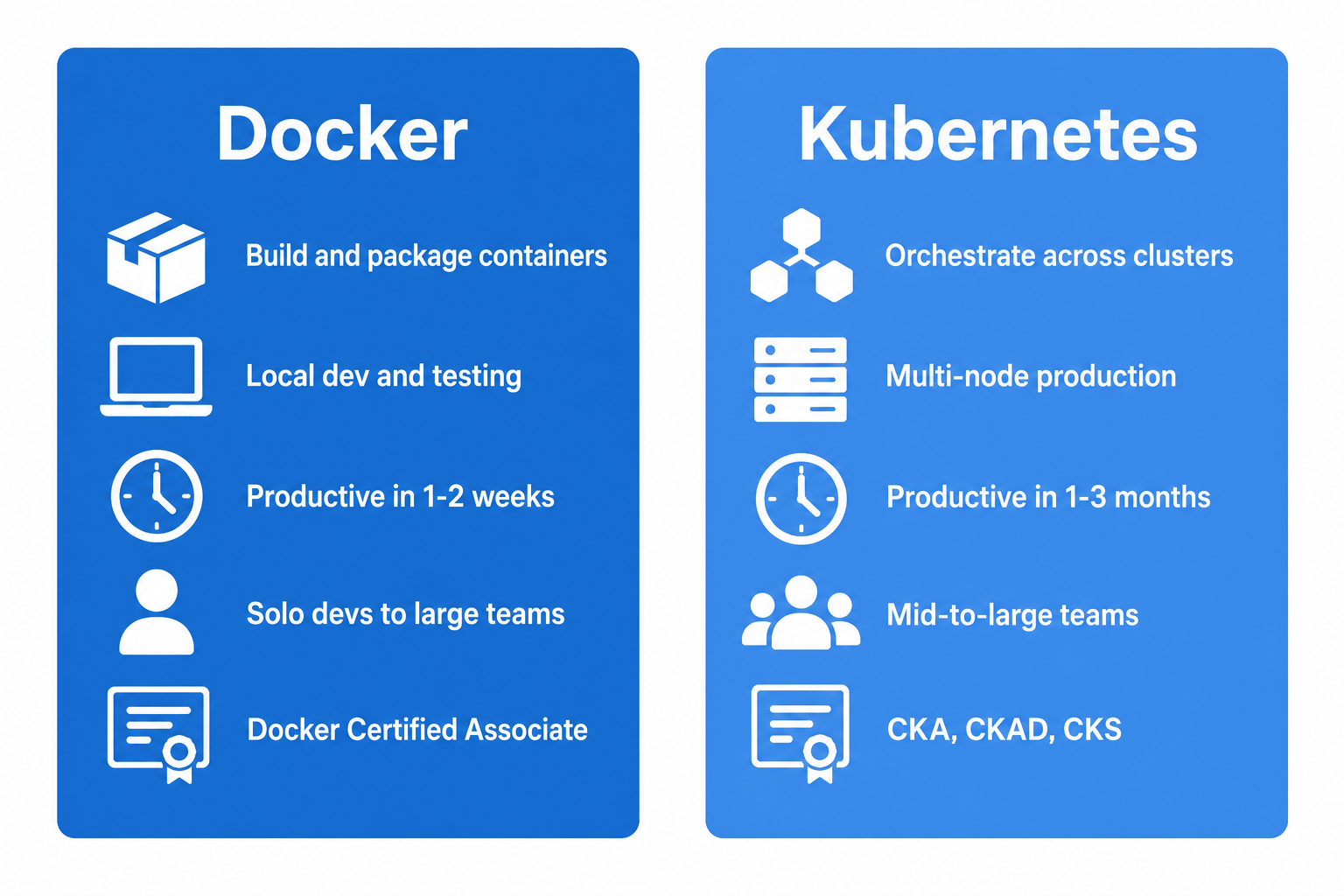
Docker and Kubernetes are complementary tools that solve different problems at different layers of the stack, but comparing them across key dimensions helps developers and engineering managers make smarter decisions about learning priorities, hiring requirements, and team training investments.
The table reinforces what the rest of the article has been building toward: Docker is the prerequisite, Kubernetes is the progression.
If your team can only invest in one training track right now, the "Time to Productivity" and "Prerequisite Knowledge" rows tell you where to start.
What Mistakes Do Developers Make When Learning Docker and Kubernetes?
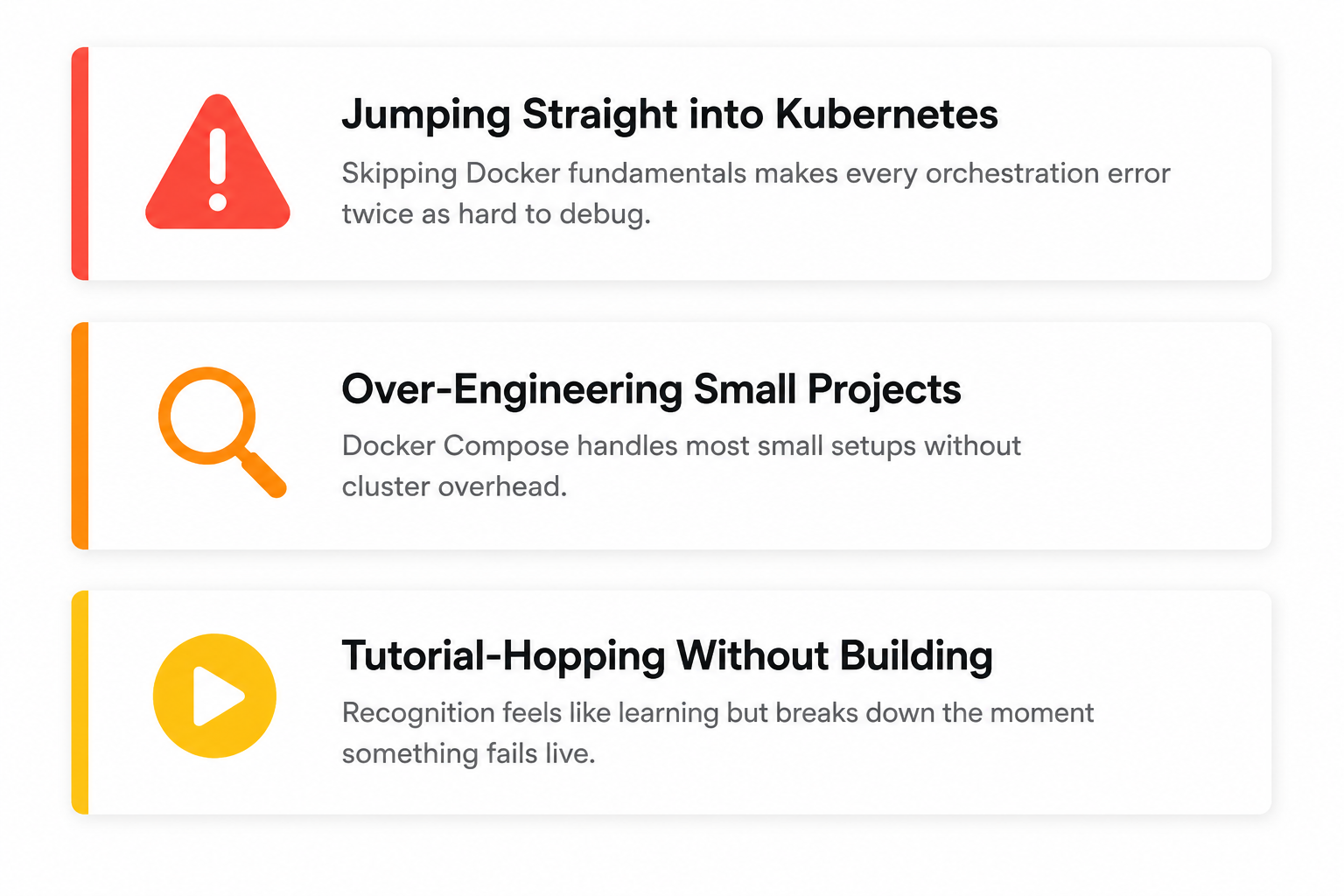
Knowing what to learn is half the equation. The other half is not sabotaging yourself along the way, and these three mistakes show up so consistently that they are almost a rite of passage at this point.
Jumping Straight into Kubernetes
This is the big one. A developer sees Kubernetes listed on every job posting, panics, and goes straight into cluster setup without spending any real time with Docker.
Two weeks later they are staring at a CrashLoopBackOff error with no idea whether the problem is in their container image, their deployment manifest, or their networking config.
When you skip the container layer, every orchestration problem becomes twice as hard to diagnose because you are debugging two things you do not understand instead of one.
Over-Engineering Small Projects
Running a three-container side project on a full Kubernetes cluster is like hiring a logistics company to deliver groceries across the street.
Docker Compose handles small multi-container setups cleanly, and plenty of production applications run on it without ever needing orchestration.
Reach for Kubernetes when your architecture actually demands it, not because it looks good on a resume.
Tutorial-Hopping Without Building
Watching 20 YouTube tutorials without deploying a single real application creates the illusion of progress without any of the muscle memory.
You feel like you are learning because the concepts sound familiar, but the moment something breaks in a live environment you realize recognition and skill are very different things.
ProgNXT's hands-on container training exists specifically to close that gap, putting developers inside real deployment exercises so they build production confidence instead of collecting bookmarks.
How Do Docker and Kubernetes Work Together in Production?
Say your team is deploying an e-commerce platform with a product API, a payment service, and a notification worker. Here is how both tools fit together in practice:
Docker layer: A developer writes a Dockerfile for the payment service, builds the image locally, tests it with docker-run to confirm it starts and processes requests correctly, then pushes the image to a registry like AWS ECR
Kubernetes layer: A deployment manifest tells the cluster to pull that payment service image, run three replicas across different nodes, restart any replica that fails a health check, and route incoming traffic evenly between all three
Update cycle: When the developer pushes a new image version, Kubernetes rolls it out one replica at a time so the payment service stays live throughout the entire deployment
Why Understanding Both Matters
When that payment service starts throwing 500 errors at 3 a.m., the engineer on call needs to know where to look.
Is the container itself crashing because of a missing dependency (Docker problem) or is Kubernetes routing traffic to a pod that has not finished starting up (orchestration problem)?
Teams that understand both layers isolate the issue in minutes. Teams that only know one layer spend hours blaming the wrong thing.
Conclusion
Docker first, then Kubernetes. This is the learning sequence that mirrors how the technology actually works.
You build containers before you orchestrate them, and you understand what is running inside a pod before you try to manage hundreds of pods across a cluster.
Both skills are essential in 2026, but the order determines whether your team builds on solid ground or spends months patching foundational gaps they skipped over.
The difference between engineers who are confident in production and engineers who are constantly Googling error messages usually comes down to how they learned, not how smart they are. Structured training beats scattered tutorials every time.
Your team does not need another weekend spent stitching together YouTube videos and half-finished blog posts.
ProgNXT's DevOps and container training takes developers from writing their first Dockerfile to managing production Kubernetes clusters, in the right order, with hands-on labs that build real muscle memory. Start your team's container journey where it actually begins.